
Enpass’s New Look comes to Linux
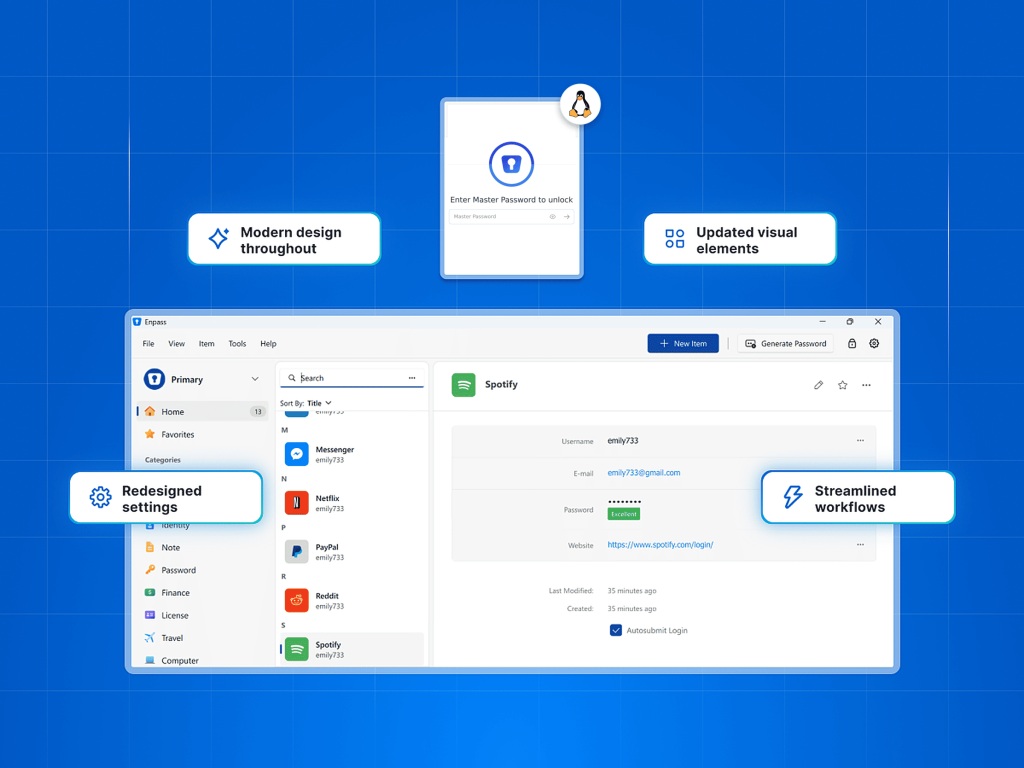
A few months ago, Mac and Windows users got a brand new Enpass experience, with a modern, polished interface including cleaner layouts, faster workflows, and refined visuals throughout the app. Now it’s Linux users’ turn.
Today, we released Enpass 6.12 for Linux with the same refreshed design. Everyday interactions are now simpler and more streamlined, while preserving the familiar Enpass experience.
Effortless Interactions
Every screen and interaction in Enpass for Linux is refreshed and more user-friendly:
A cleaner start, every time – from the unlock screen to the add-item experience, Enpass feels smoother and more intuitive.
Modern design elements – refined layouts, icons, and visuals from the Sidebar to the Item Lists, to the Autofill, and the password generator.
Settings are easier to navigate – spacious and less cluttered, it’s now easier to find what you need when customizing Enpass.
Streamlined actions – common tasks like adding items and importing data now take fewer steps.
Refreshed Share Center – If you use Enpass Business, you can now view and manage all vaults you’ve shared, vaults shared with you, and access rights, all in the the same interface.
Wayland Support – Specifically for Linux, this refresh also adds native support for the Wayland display protocol for modern Linux distributions.
Everyday Tasks, Simplified
Enpass now makes everyday tasks feel lighter, faster, and simpler, so you can spend less time in the app and more time getting things done.
Ready for the new Enpass experience?
Download the latest Enpass for Linux, get more details in from the release notes or browse our support documentation https://help.enpass.io.