
Admin Console
What's Inside the Enpass Admin Console?
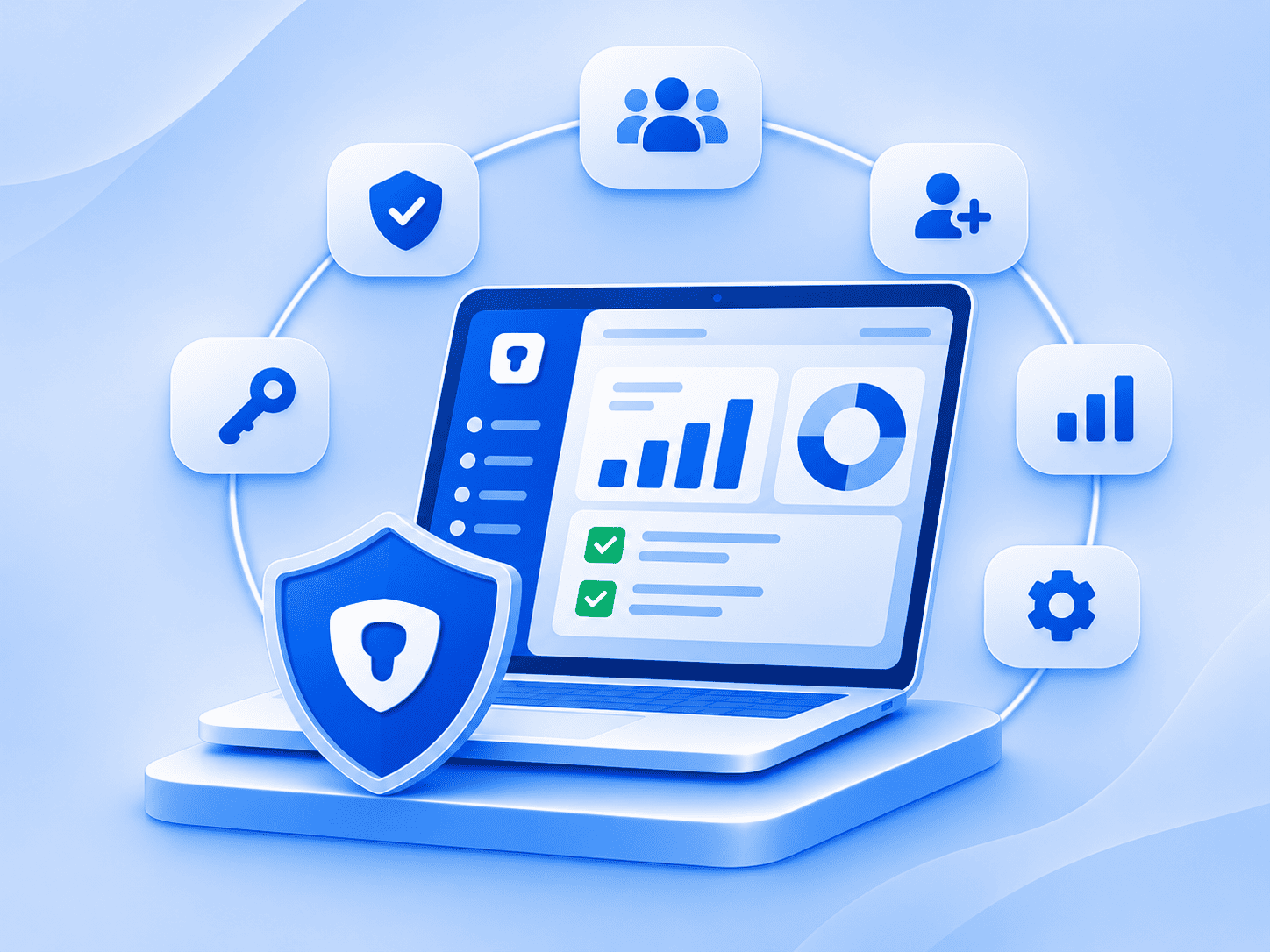
The Enpass Admin Console gives IT and security teams centralized control over policies, user provisioning, audit logs, SSO, SIEM, password health, access recovery, AI-assisted reporting and API access. Admins manage it all from one place while encrypted vaults stay inside your organization’s own Microsoft 365, Google Workspace, or other trusted environment, never on Enpass servers.


ISO 27001:2022

SOC 2 Type II Audited

GDPR Compliant
Trusted by Fortune 500 companies and compliance-conscious organizations
Enpass Admin Console capabilities at a glance
| Capability | What it does |
|---|---|
| Policy enforcement | Enforces password and sharing rules, and access requirements organization-wide |
| SSO integration | Enpass integrates with Microsoft Entra ID, Okta, Google Workspace, and other identity providers for SSO. |
| SCIM provisioning | Automates provisioning and offboarding through any SCIM 2.0 identity provider |
| UEM/MDM deployment | Deploys Enpass with managed app configurations through your UEM or MDM platform |
| Security audit dashboard | Shows an organization-wide Security Audit Score, with findings grouped into four categories |
| SIEM integration and audit logs | Sends application and security events to your SIEM and keeps 90 days of logs in the console |
| Access recovery | Lets designated recovery admins approve access requests when a user loses any of their vault unlock credentials such as their master password, keyfile, or passkey |
| Enpass API | Gives reporting tools token-based access to Admin Console data |
| MCP server | Connects AI agents to Admin Console data on password health and adoption |
Identity, access, and deployment
Policy enforcement
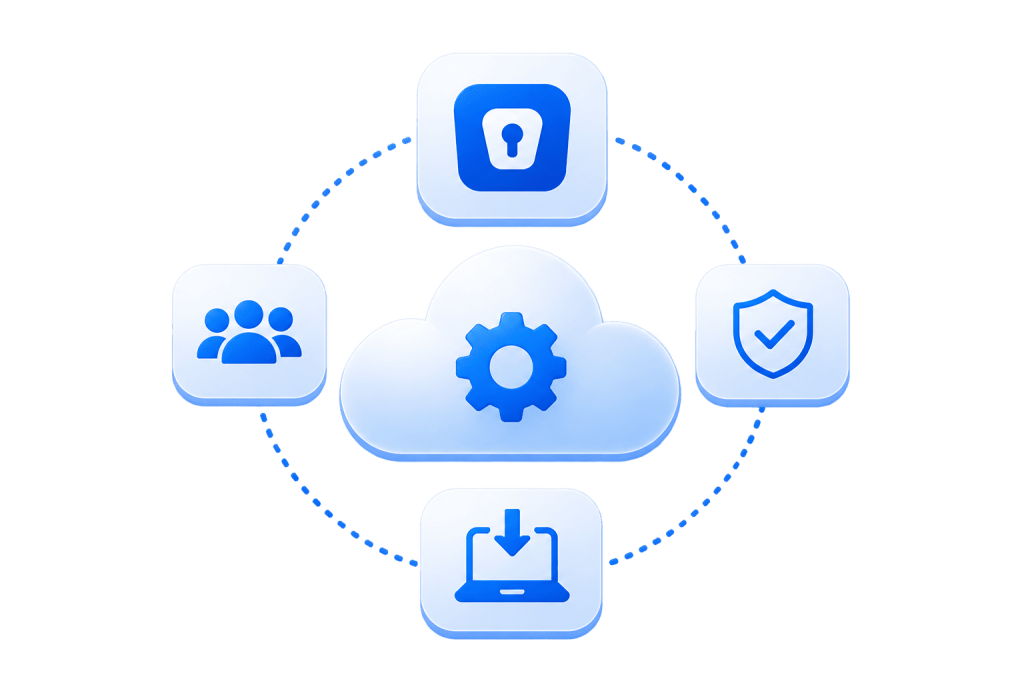
Set password rules, sharing rules, and access requirements once, and Enpass enforces them for specific groups or organization-wide from a single control panel. When a rule changes, it updates everywhere at once, with no manual sweep across accounts. Passwords that break policy show up as compliance gaps on the security audit dashboard.
SSO integration
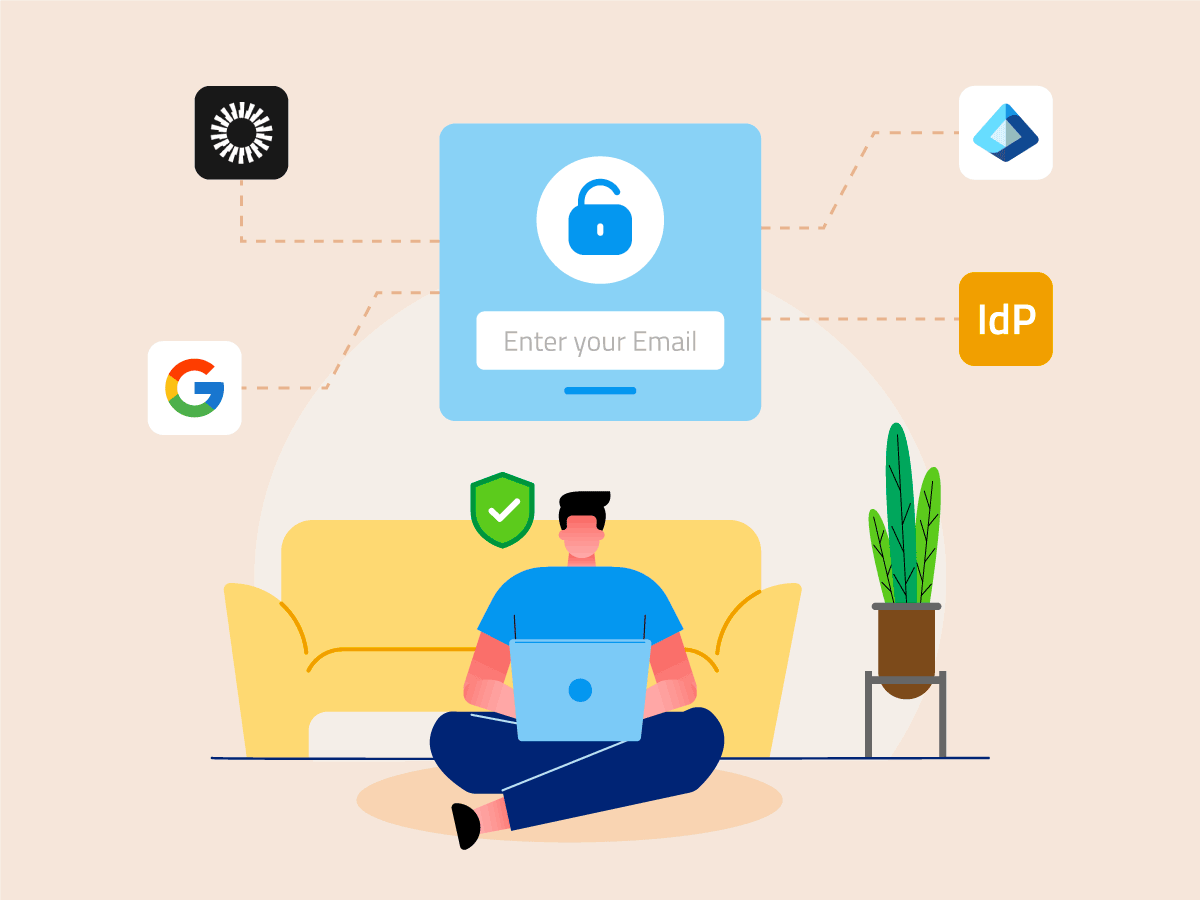
Employees set up Enpass by signing in with their existing Microsoft 365 or Google Workspace account, so vault access is gated by the identity provider your organization already manages. They then set a master password that encrypts their vault. On the admin side, the Admin Console supports any SAML 2.0 identity provider, including Microsoft Entra ID, Okta, and Google Workspace, and Super Admins can enforce SSO as the only admin login.
SCIM provisioning
Enpass supports SCIM 2.0, so provisioning runs through the identity provider you already use, including Microsoft Entra ID, Google Workspace and Okta. New users get access automatically. When someone leaves, offboarding in the identity provider removes their Enpass access and deletes their employee data.

UEM/MDM deployment
See how it fits your stack
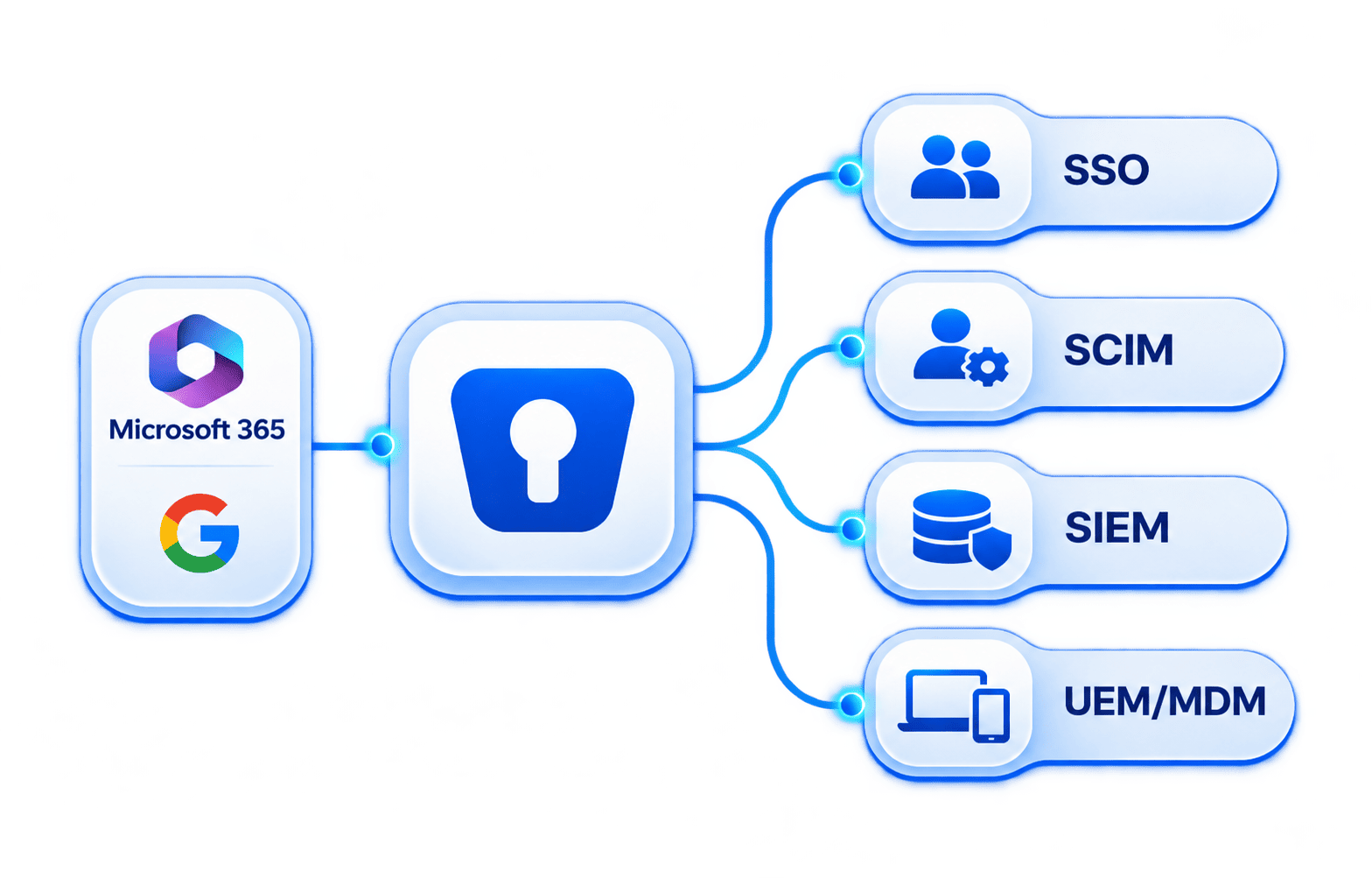
- SSO: Microsoft Entra ID, Okta, Google Workspace
- SCIM: Microsoft Entra ID, Okta
- SIEM: Splunk, IBM QRadar, Graylog, Microsoft Sentinel, TINES, DATADOG
- UEM/MDM: Microsoft Intune
Visibility and audit evidence
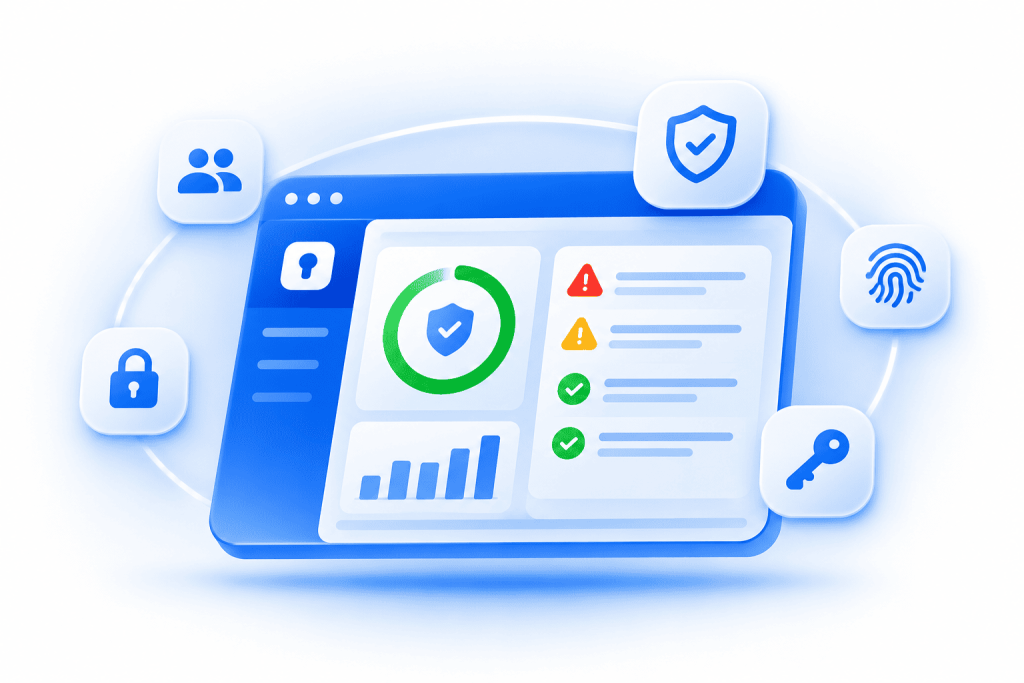
Security audit dashboard
The security audit dashboard shows your organization's password health on one screen, starting with an overall Security Audit Score:
- Critical alerts: Compromised passwords and accounts on breached websites
- Attention required: Weak passwords, reused passwords, and passwords identical to an employee's SSO password
- Compliance gaps: Expired passwords and passwords that break your password policy
- Actionable suggestions: Saved logins for websites that already support passkeys and 2FA codes

SIEM integration and audit logs
Enpass sends application and security events covering user and admin activity to Splunk, IBM QRadar, Graylog, Microsoft Sentinel, or any tool that accepts JSON over an HTTP webhook. Your team can correlate them with identity, endpoint, and network signals, so the password manager stops being a blind spot. The Admin Console also keeps 90 days of event and audit logs.
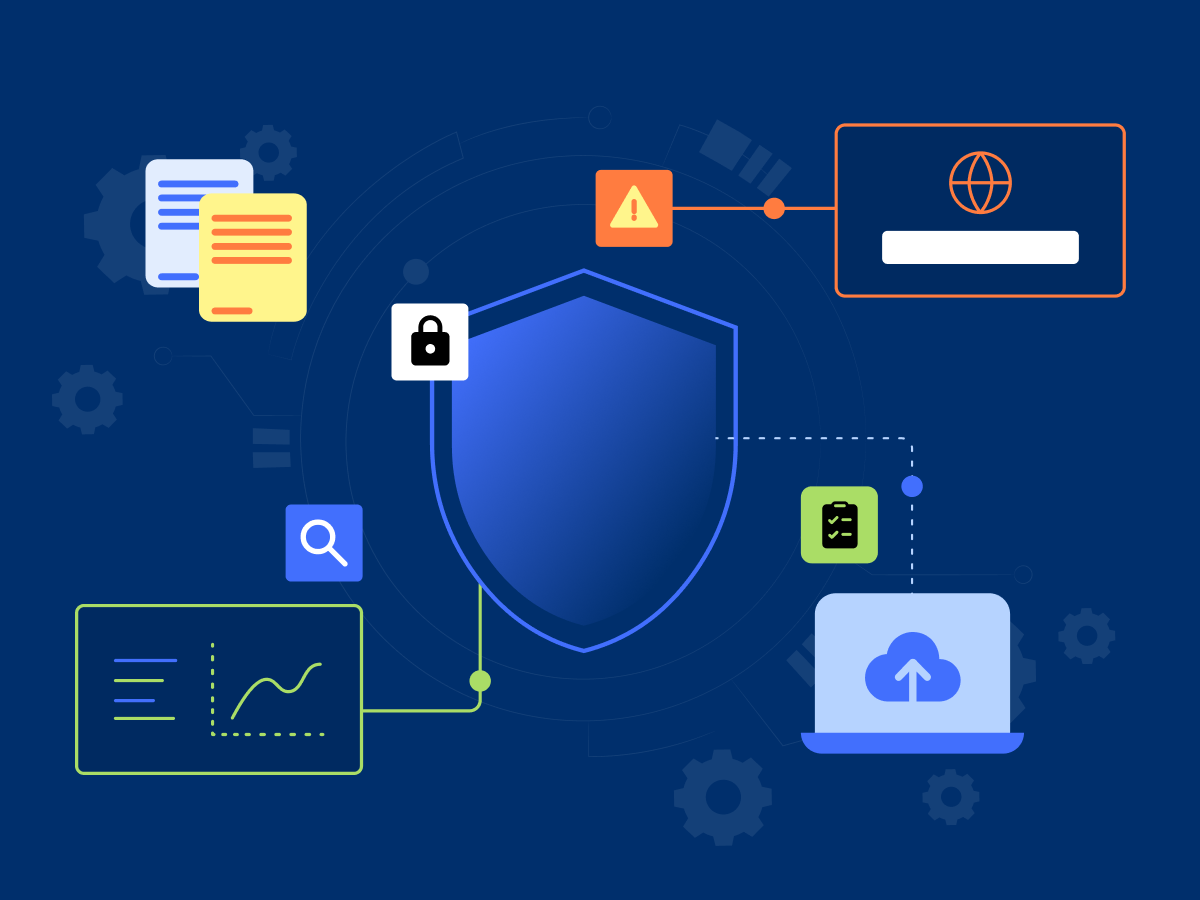
Recovery, reporting, and MCP server
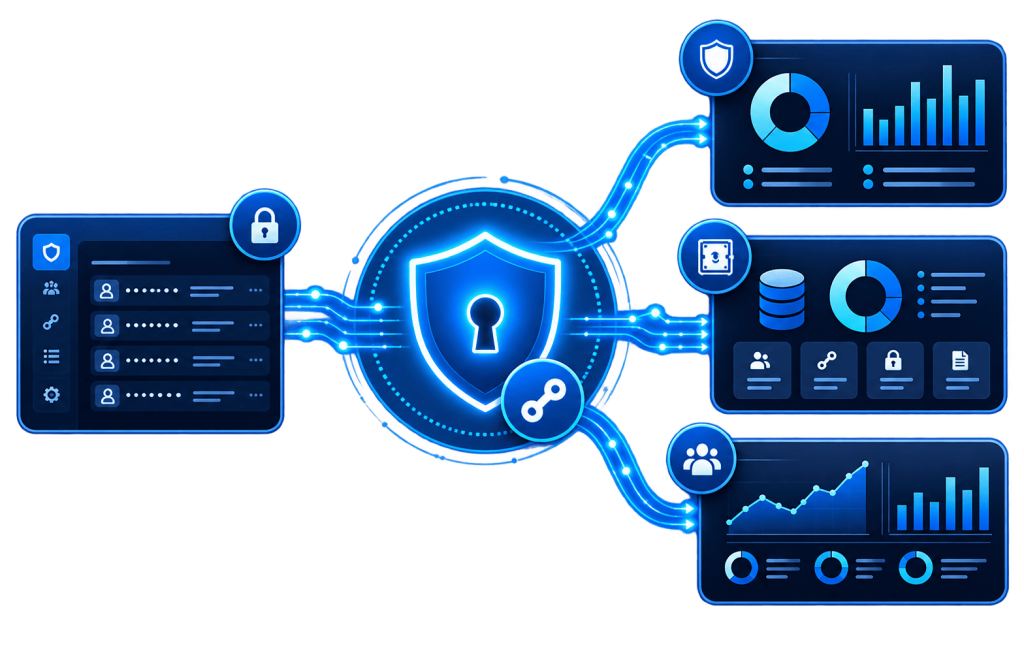
Access recovery
Designated recovery admins can help employees regain vault access when they lose any of their vault unlock credentials, such as a master password or keyfile. Employees keep their existing account and their access to shared credentials, so nothing has to be rebuilt.

Enpass API
The Enpass API gives reporting tools such as Power BI, Tableau, and Grafana direct access to Security Audit, onboarding and adoption, and vault summary data, so compliance reports stay current without manual exports. Access runs on time-limited tokens that only Super Admins can create or revoke.
MCP server for AI agents
The Enpass Model Context Protocol (MCP) server connects AI agents such as ChatGPT and Claude, or your own custom agents, to Security Audit, Onboarding & Adoption, and Authentication Activity data. Super Admins can ask, "What's our Enpass adoption rate this month compared to last month?" and get an answer without pulling a report.
Trusted by organizations that take security seriously
"Enpass gives us more control and keeps our company data safe and private in our Microsoft 365 environment."
Marketing Head
Leading Healthcare Firm
Enpass let our global team securely share local account access with marketing teams worldwide, ensuring continuity despite staff changes, absences, or time zone differences within the team.
Director of IT Security
Global Consulting Firm
To meet strict client requirements, we needed full control over credential storage. Enpass delivered, keeping everything within our Microsoft 365 setup, not on Enpass servers.
Director of IT
European Car Manufacturer
Frequently asked questions
Yes. Admins sign in to the Admin Console through any SAML 2.0 identity provider, including Microsoft Entra ID, Okta, and Google Workspace. Employees set up Enpass through their Microsoft 365 or Google Workspace sign-in, then create a master password to encrypt their vault. Signing in through SSO alone, without a master password, isn't currently supported.
Yes. Enpass supports SCIM 2.0 through any compatible identity provider, including Microsoft Entra ID and Okta. New employees are provisioned automatically. When someone leaves, offboarding in the identity provider removes their Enpass access and deletes their employee data. Learn how to set up SCIM.
Yes. Enpass sends application and security events to Splunk, IBM QRadar, Graylog, Microsoft Sentinel, or any tool that accepts JSON over an HTTP webhook. Credential-level events aren't logged by default because of their volume, but Enpass can enable them on request. See supported SIEM tools.
Yes. Enpass supports managed app configurations through your existing UEM or MDM platform, including Microsoft Intune. IT can roll out the app and its policy settings across managed devices at scale, without a separate, device-by-device installation.
Designated recovery admins. Your organization chooses who holds recovery rights, and only those admins can approve a recovery request after an employee forgets their master password. Once a request is approved, the employee gets a link to set a new master password.
Yes. The Enpass MCP server connects AI agents such as ChatGPT and Claude, or custom agents, to Security Audit, Onboarding & Adoption, and Authentication Activity data. For reporting tools such as Power BI, the Enpass API offers token-based access.
Insight for IT and security leaders
-
 What Should a CIO Look for in an Enterprise Password Manager?03 Nov 2026 Announcement
-
 Does Enpass Have an Admin Console, SSO, and other Enterprise Features?30 Sep 2026 Enpass Admin Console
-
 How Does Enpass Deliver Complete Data Sovereignty?30 Sep 2026 Compliance
-
 Enpass’s New Look comes to Linux16 Sep 2026 Announcement
-
 Why Enpass Users Are Safe from Harvest Now, Phish Later Attacks13 Aug 2026 Compliance
-
 What Is WebAuthn Level 3 & How Does Enpass Support It?23 Jul 2026 Security
Take control of your passwords – without giving up control of your data
See how the Admin Console fits into your existing identity, security, and compliance stack.
