Does Enpass Integrate With SIEM Tools?
Enpass integrates with leading SIEM platforms to help your security team monitor activity and respond to potential threats.

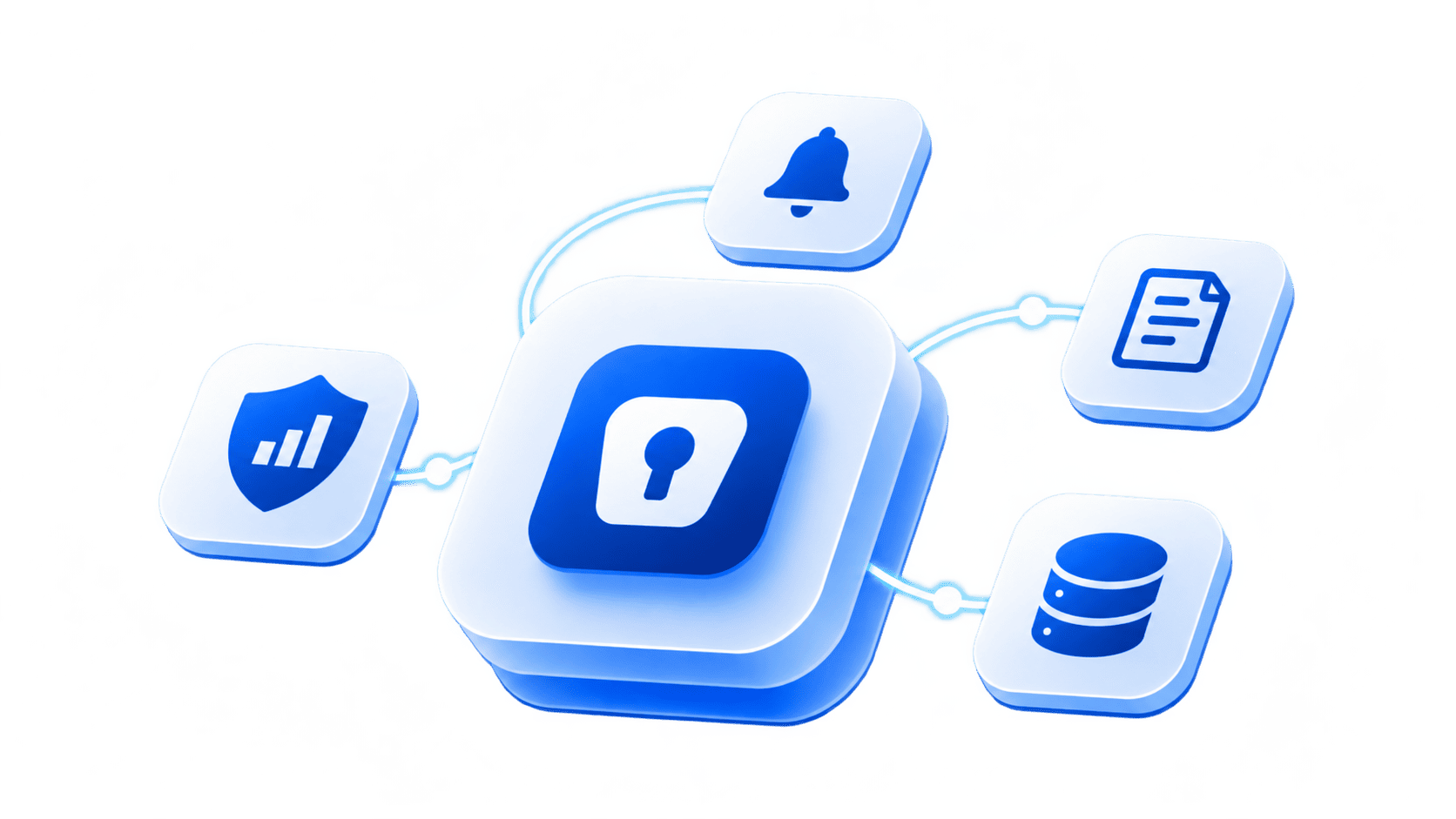
Yes. Enpass integrates with Microsoft Sentinel, Splunk, IBM QRadar, Sumo Logic, and Graylog, plus any SIEM or automation tool that accepts JSON over an HTTP webhook, such as Tines and Datadog. SIEM integration is included in the Enpass Business plan. Admin actions, sign-ins, sharing changes, and policy updates become part of the monitoring and alerting your security team already runs, while the vaults themselves stay inside your own Microsoft 365 or Google Workspace environment.
Supported SIEM tools
Connect Enpass once from the Admin Console, and event logs flow to your SIEM automatically.
| Tool | How it connects |
|---|---|
| Microsoft Sentinel | Resources configured in the Azure portal, following the Enpass setup guide |
| Splunk | HTTP Event Collector |
| IBM QRadar | A log source configured for Enpass |
| Sumo Logic | An HTTP Source on a Hosted Collector |
| Graylog | A GELF HTTP input with a secret token |
| Other tools (Tines, Datadog, and more) | Any endpoint that accepts JSON via HTTP POST webhook |
Step-by-step setup for each tool is in the Enpass Help Center.
What Enpass logs
Enpass records activity across its apps and the Admin Console. Every entry includes who acted, what they acted on, the IP address, the device, and a severity level of critical, high, medium, or low, so your SIEM can alert on what matters rather than everything.
| Category | Examples |
|---|---|
| Users | Admin Console and app sign-ins, failed attempts, new devices, master password changes, admin permission changes |
| Vaults | Vaults created, removed, or renamed; data exported or imported; vault passwords changed |
| Sharing | Items and vaults shared; shared vault permissions updated or revoked |
| Recovery | Recovery requests initiated, approved, declined, or expired |
| Organization | Users and groups added or removed; policy changes; SSO configured or enforced; SCIM tokens generated |
| App | New browsers linked; app settings or storage location changed |
| Item (off by default) | Autofill, field reveals and copies, passkey creation and use |
Item-level logging is off by default because it generates high volume. Contact Enpass Support to turn it on. The full event and field reference is in the Help Center.
Event logs, the security audit dashboard, and SIEM: what each does
| What it shows | Where you see it | How long it's kept | |
|---|---|---|---|
| Security audit dashboard | The health of credentials across your organization, such as weak or compromised passwords | Enpass Admin Console | Live view |
| Event logs | Who did what, when, and from where | Enpass Admin Console | Up to 90 days |
| SIEM integration | The same event logs, alongside the rest of your security data, with your own dashboards and automated alerts | Your SIEM | As long as your SIEM retains them |
How to connect Enpass to your SIEM
Event logs require the Enpass Business plan with Microsoft 365 or Google Workspace as the storage location. Try it yourself with a 30-day free trial of the Enpass Business plan.
Live today, alongside the full admin stack
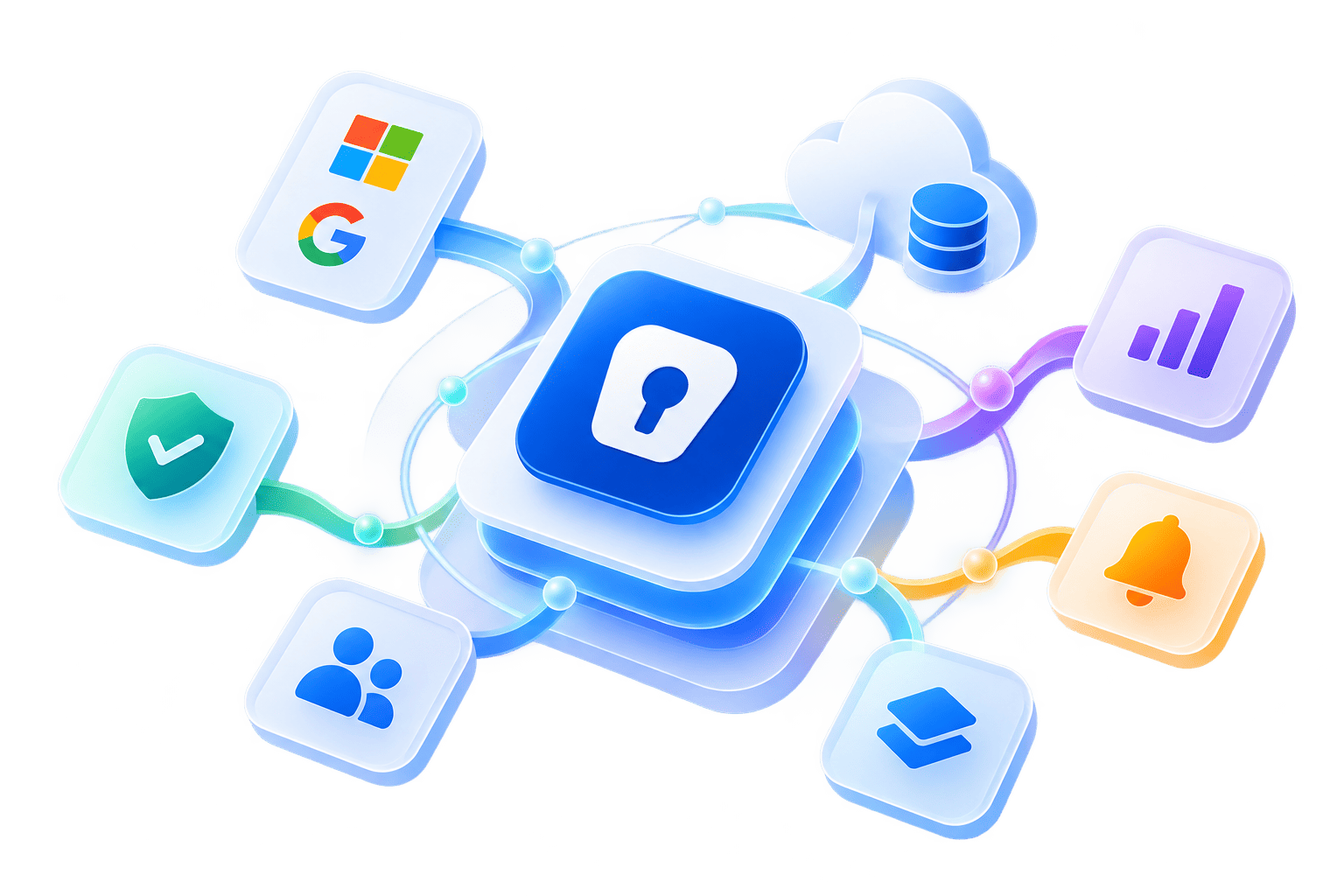
SIEM integration is live in the Enpass Admin Console today, with documented setup for Microsoft Sentinel, Splunk, IBM QRadar, Sumo Logic, Graylog, and any webhook-based tool. It's part of the same admin capabilities relied on by enterprises in regulated industries, including government organizations and Fortune 500 companies.
- SSO: Admins sign in to the Admin Console through your SAML 2.0 identity provider
- SCIM provisioning: Users are added and removed automatically from your identity provider
- Policy enforcement: Password, sharing, and app security rules apply organization-wide
- Admin Console: Policies, users, recovery, and password health are managed from one place
Frequently asked questions
Enpass has built-in connectors for Microsoft Sentinel, Splunk, IBM QRadar, Sumo Logic, and Graylog. It also supports any SIEM or automation tool that accepts event data as JSON through an HTTP POST webhook, with documented setups for Tines and Datadog. Admins configure the connection once in the Enpass Admin Console under Event Logs.
Enpass groups event logs into categories: users, vaults, sharing, recovery, organization, and app. That covers sign-in attempts, device changes, vault exports, sharing and permission changes, recovery requests, and policy updates. Each entry records the actor, target, IP address, device, and a severity level. Item-level events, such as autofill, are off by default but can be enabled.
Yes. SIEM integration is included in the Enpass Business plan alongside event and audit logs, SSO, SCIM provisioning, and policy enforcement. It requires Microsoft 365 or Google Workspace as the storage location, and a Super Admin enables event logs in the Admin Console. Larger organizations can add enterprise services such as solution design and a proof of concept.
The security audit dashboard shows the health of credentials across your organization, such as weak or compromised passwords. Event logs record who did what, when, and from where. SIEM integration sends those logs to your existing monitoring tools, so you can keep them beyond the 90 days Enpass retains, build dashboards, and set automated alerts.
Talk to us about your compliance and data sovereignty requirements