
The Password Manager That Never Holds Your Data
Enpass is the only password manager where you maintain 100% control of your data, 100% of the time, in your own Microsoft 365, Google Workspace, or other trusted environment. It's true data sovereignty and immunity from mass vendor breaches – without the cost or hassle of self-hosting.


You decide where your data lives
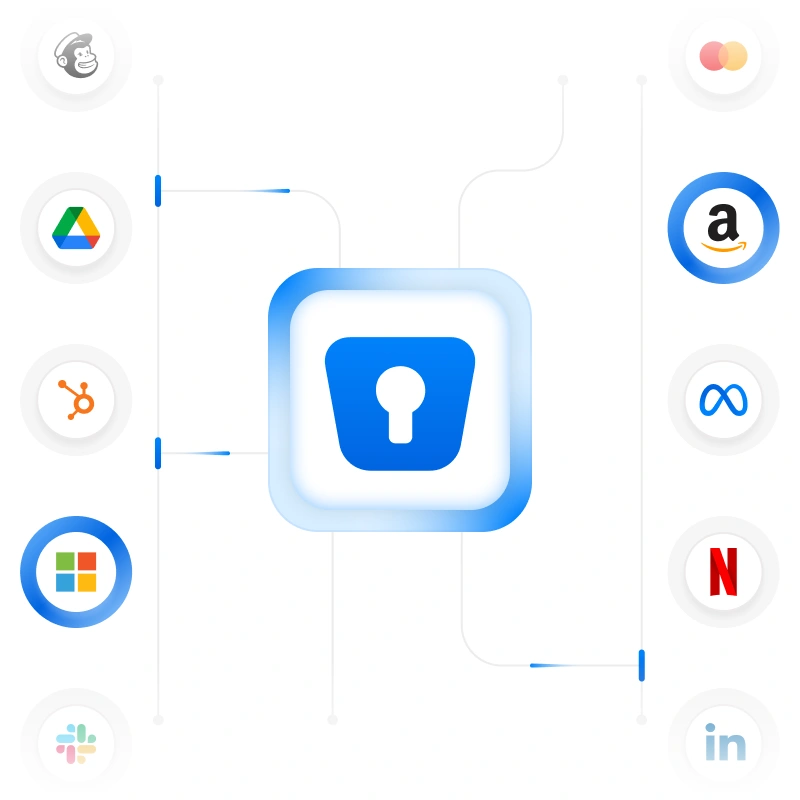
If data sovereignty is important to your organization, Enpass is the password manager for you. With every other solution, your data must either be stored in the vendor's cloud or on servers you host and maintain yourself. With Enpass, your data is stored in your existing Microsoft 365, Google Workspace, or other trusted environment – wrapped in your own security and policies, always under your control.

Hackers can't breach what was never there
Zero knowledge is the norm with password management solutions – they stop there and call it secure. Enpass goes a step further – with zero possession.
| Zero knowledge (industry standard) | Zero possession (Enpass) |
|---|---|
| Your encrypted data sits on the vendor's own servers. They can't read it, but it's there to be stolen. | We never receive, store, or touch your password data at all. There's nothing on our servers to attack. |
What it would take for a hacker to breach an Enpass customer
The return on that effort? One user’s encrypted data. For a hacker used to breaching one server and walking away with millions of records, Enpass customers aren’t worth targeting at scale.
All the admin and user features you need
Enpass deploys fast, works flawlessly across every device and browser, and gives you advanced centralized admin capabilities that make management easy. The result: better security, fewer IT tickets, and less time spent on compliance.
Streamlined compliance
There's no new infrastructure to buy, no new vendor to trust, and no data leaving your own environment.
Full device freedom
Enpass works flawlessly across mobile, desktop, Windows, iOS, Android, and every major browser. Whatever tech your teams use, Enpass works with them.
Quick, flexible deployment
Customize password policies in the central Admin Console, and let SCIM integration handle provisioning. Admins set things up once, and users get started from day one using their own SSO.
Compliance as an architectural default
GDPR, the EU AI Act, and a growing list of national data residency laws all come down to three questions. With Enpass, you can always answer all of them – because your data never leaves your own Microsoft 365, Google Workspace, or other trusted environment.
| Compliance question | SaaS password managers | Enpass |
|---|---|---|
| Where does your data live? | Wherever the vendor's servers are | Your own Microsoft 365, Google Workspace, or trusted environment |
| Whose jurisdiction is it under? | Where the vendor chooses, not necessarily yours | Yours automatically based on where your existing trusted infrastructure is located |
| Who can access it? | The vendor could, in theory, plus its vulnerable to cyberattack | Only you, in line with existing policies, access controls, retention rules, and data protection laws |
Independently audited and certified
Enpass is the password manager of choice for organizations in regulated industries including financial services, healthcare, government, and manufacturing.
ISO 27001:2022

SOC 2 Type II Audited
GDPR Compliant
See how Enpass compares
Looking at other password managers side by side? Here's how Enpass stacks up on what matters most: data security and control.
Common questions about how Enpass works
Enpass isn't self-hosted, and it isn't vendor-hosted either. Encrypted vaults live inside your own Microsoft 365, Google Workspace, or other trusted environment, giving you control without the cost or hassle of maintaining your own servers. This is a unique approach because other password managers require self-hosting to achieve data sovereignty. However, Enpass does allow you to self-host components if desired – contact us to discuss your requirements.
No, Enpass is not a simple offline or local password manager. Enpass is a fully featured password and passkey manager with a centralized admin console, SSO/SCIM/SIEM integration, and seamless functionality across devices, browsers, and platforms. However, users are able to access their passwords on their device if they need credentials when they don’t have an internet connection.
Not in the way that term usually gets used. Enpass doesn't run a cloud of its own to store credential data. Instead, vaults live inside the infrastructure you already control and trust, like Microsoft 365, Google Workspace, Nextcloud, or other sovereign clouds.
However, Enpass is cross-platform and works reliably across all devices – mobile, desktop, Windows, iOS, Android, and all browsers.
No. Enpass never receives, stores, or touches your password data. We call this zero possession, a step beyond the zero knowledge model other password managers use. This isn’t a variation of zero knowledge, it’s a fundamental architectural difference. Your data stays inside your own Microsoft 365, Google Workspace, or other trusted environments at all times, so you own and control it – legally, architecturally, and operationally.
Zero knowledge means a vendor holds your encrypted data but can't read it. This is the norm in the password manager category. Zero possession goes further: Enpass never holds your data at all. It isn't a variation on zero knowledge, it's an entirely different architecture that gives you immunity from mass breaches because there's no single target for hackers to attack.
Even if Enpass servers were ever compromised (and they never have been), your data couldn’t be breached because it’s not and has never been there. All your encrypted data is locked in your own Microsoft 365, Google Workspace, or other trusted environments, protected by both platform and internal security controls.

Rated 4.6 star on G2, 4.7 star on Capterra and 4.3 star on GetApp

Recently mentioned by top media publications
Take control of your passwords – without giving up control of your data
Rated 4.3 star on App Store and 4.1 star on Play App