
What Should a CIO Look for in an Enterprise Password Manager?
Enpass has been featured in the GigaOm Radar: Enterprise Password Management Report 2026. Check out the report here.
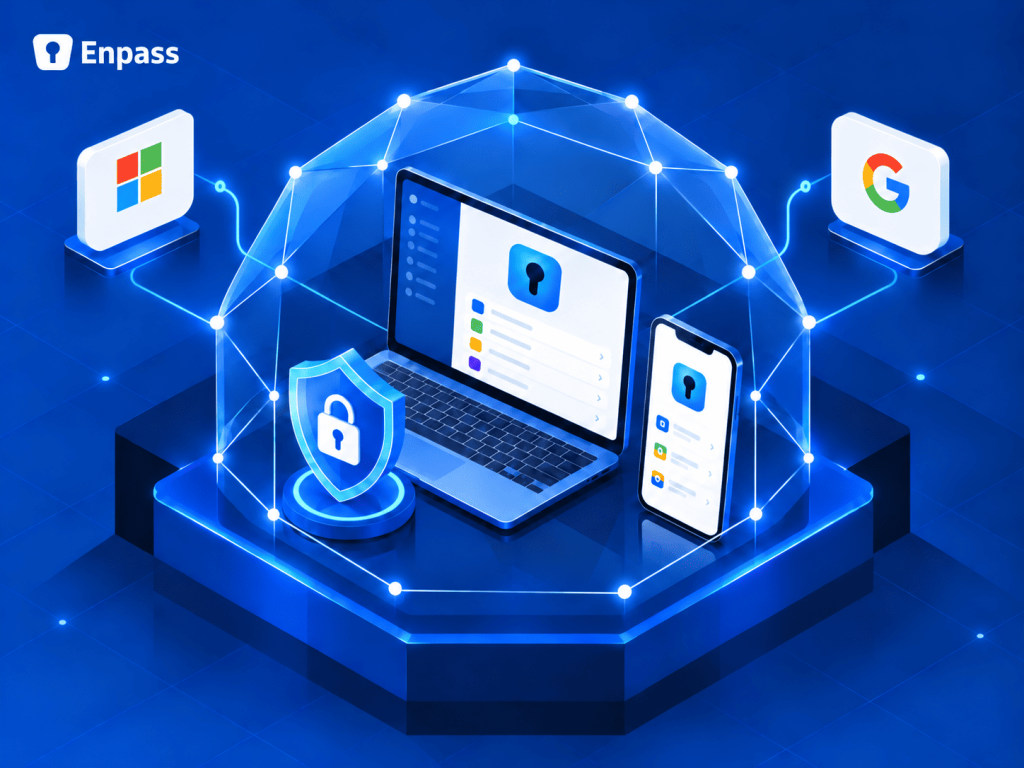
When choosing an enterprise password manager, start with where your data lives, not the feature list. Autofill, sharing, and password health alerts are broadly the same across the category. What separates vendors is architecture: who holds your encrypted vaults, whose jurisdiction they fall under, and what happens to you when a vendor is breached. With Enpass, vaults live inside your own Microsoft 365, Google Workspace, or other trusted environment, never on Enpass servers.
Where does your password data actually live?
| Vendor-hosted | Self-hosted | Enpass | |
| Where encrypted vaults live | The vendor’s centralized cloud | Servers you run and maintain | Your own Microsoft 365, Google Workspace, or other trusted environment |
| Exposure if the vendor is breached | Every customer’s vaults sit in one place | Not applicable | None, because Enpass never holds vault data |
| Operational overhead | Low | High: servers, patching, uptime, backups | Low: no new infrastructure to maintain |
Vendor-hosted tools put every customer’s credentials in one high-value target. Self-hosted tools make your IT team responsible for running one more critical service. Enpass is the third option: not self-hosted, not vendor-hosted. You get data sovereignty without the cost or hassle of self-hosting.
Why zero knowledge isn’t the whole answer
Most vendors stop at zero knowledge: they can’t read your data, but they still store it on their own centralized cloud. Enpass goes a step further with zero possession. It never receives, stores, or touches your password data. Even if Enpass servers were ever compromised, your data couldn’t be breached there, because it has never been there.
To reach an Enpass customer’s data, an attacker would need to target that specific organization and get into its Microsoft 365 or Google Workspace account past the platform’s own MFA. They would also need the individual user’s master password. The reward is one user’s encrypted data. An attack on one is not an attack on many.
How does data sovereignty simplify compliance?
GDPR, the EU AI Act, and national data residency laws all ask where your data lives, whose jurisdiction it falls under, and who can access it. With Enpass, vaults stay in infrastructure that has already passed your compliance reviews, so your existing access controls, retention rules, and data protection policies apply automatically. Your data, your jurisdiction, your rules.
Enpass is independently SOC 2 Type II audited, GDPR compliant, and ISO 27001:2022 accredited, and uses AES-256 encryption with 320,000 PBKDF2 rounds.
What do admins and users actually need?
Admins need visibility into password health and adoption, automatic provisioning and offboarding, and recovery they control. When the master password only Dave knows walks out the door with Dave, designated Enpass admins can restore access in a few quick, secure steps.
Users need a password manager that works across Windows, macOS, iOS, Android, and every major browser, and passkeys that get the same data sovereignty as their passwords.
What this looks like in practice
- A European car manufacturer needed full control over credential storage to meet its own customers’ requirements, and kept everything within its Microsoft 365 setup.
- A multinational consumer goods company switched to Enpass after its previous password manager was breached.
- A consultancy tested Enpass in its live production environment, a bar few vendors are asked to clear.
Questions to ask any password manager vendor
- Where exactly do our encrypted vaults live?
- If your servers were breached tomorrow, what of ours would be exposed?
- Does data sovereignty require us to self-host?
- If an employee forgets their master password, who controls recovery?
FAQ
Is Enpass self-hosted?
No. Enpass is neither self-hosted nor vendor-hosted. Encrypted vaults live inside your organization’s own Microsoft 365, Google Workspace, or other trusted environment, and never on Enpass servers. You get data sovereignty without running or maintaining any password management infrastructure yourself.
Does Enpass store customer passwords?
No. Enpass never stores customer passwords on its servers. Encrypted vaults live inside your organization’s own Microsoft 365, Google Workspace, or other trusted environment. This is zero possession, a step beyond zero knowledge: Enpass never receives, stores, or touches your password data.
Why does Enpass need permission from my Microsoft 365 or Google Workspace?
The consent screen you see during setup is written by Microsoft or Google, not Enpass, and its wording can sound broad. That permission is what allows Enpass to store encrypted vaults inside your own tenant, which is exactly what keeps your data under your control.
Talk to us about how Enpass fits your Microsoft 365 or Google Workspace environment →