
Can Password Managers Avoid Being Breached?
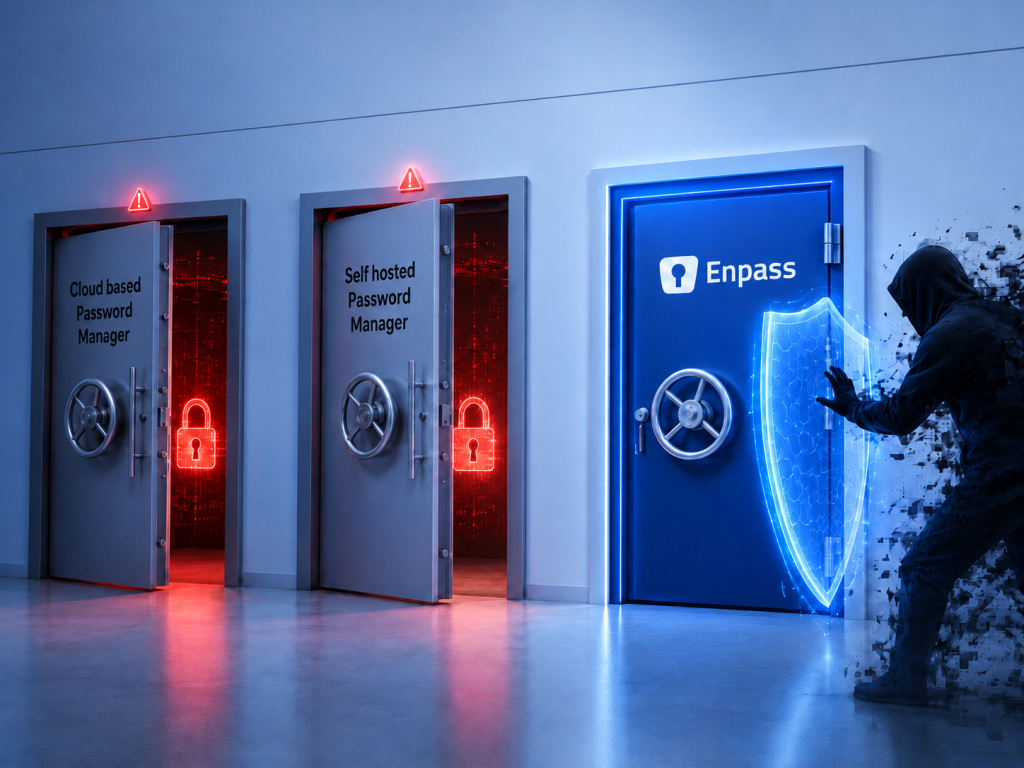
The answer is yes – but it depends almost entirely on architecture, not marketing claims. A password manager that centralizes its customers’ vaults in its own cloud creates a high-value target: breach the vendor, and you breach every customer at once. A password manager that never holds your data at all can’t be breached for it, because there’s nothing to take. Understanding this distinction is what separates a security-conscious evaluation from a credential management gamble.
In this article
- Why most password managers are vulnerable to breach
- What makes a password manager genuinely breach-resistant?
- Looking to the future: A note on passkeys
- Frequently asked questions
- How Enpass fits into your environment
Why most password managers are vulnerable to breach
Centralized vaults are honeypots
Most password managers – including the biggest names in the market – store every customer’s encrypted vault on their own servers. This is a business decision that makes engineering easier, but it creates an obvious structural problem: the vendor’s infrastructure becomes a single, high-value target.
Security professionals call this a honeypot. When a hacker can breach one server and walk away with millions of encrypted credential vaults, the effort-to-reward ratio becomes very attractive. Even when vaults are encrypted with customer-only master passwords, attackers can attempt offline brute-force attacks on weaker ones at their leisure – with no account lockouts and unlimited time. The LastPass breach of 2022, in which attackers exfiltrated the company’s entire customer vault store, is the clearest real-world illustration of what this risk looks like when it materializes.
Because sensitive data is concentrated in one place, that infrastructure is also a single point of failure. A successful attack against the vendor can have consequences across its entire customer base simultaneously.
Zero knowledge isn’t the same as zero risk
Most enterprise password managers describe themselves as “zero knowledge.” This means they hold your encrypted data but can’t read it – only you hold the decryption keys. Zero knowledge is a genuine security property, but it’s often misunderstood as meaning the vendor has no data to give an attacker.
That’s a dangerous misconception. A zero-knowledge vendor still possesses your users’ encrypted vaults – those vaults are still sitting on their servers. The encryption is strong, but the data is there and has been taken in real-world breaches.
What makes a password manager breach-resistant?
There’s no single feature that makes a password manager secure. Instead, it’s a combination of architectural decisions that reduce risk at every layer. There are 2 key elements to look for:
- Data sovereignty
- Distributed architecture
Data sovereignty: Your data, your rules, your control
Data sovereignty means secrets stay within infrastructure you control – legally, architecturally, and operationally. That means when regulators, auditors, or your own board ask: “Where does our data live, and whose jurisdiction is it in?”, the answer doesn’t involve a vendor’s servers in a geography you never chose and can’t influence.
For organizations operating across multiple countries or in regulated industries where data residency matters, data sovereignty isn’t a nice-to-have. GDPR, the EU AI Act, and a growing list of national data residency laws require you to know exactly where your data lives and who can access it. Most password managers can’t answer that question cleanly.
Enpass is built around a single architectural principle that separates it from every other major password manager: data sovereignty. Enpass never stores your credential data on its own servers, but also never requires self-hosting.
Instead, your encrypted vault lives inside your organization’s own Microsoft 365, Google Workspace, or other trusted environment – never touching Enpass infrastructure. It’s the reason Enpass customers are structurally immune to a vendor-level breach: there’s no central Enpass vault to attack. Your data’s jurisdiction is wherever your trusted environment is already – not a vendor’s cloud you don’t control.
Distributed architecture: No single target, no mass breach risk
A password management solution built on a distributed architecture stores vaults in the customer’s environment, not its own servers. Rather than a centralized honeypot, you have thousands of independent, individually secured vaults, each inside infrastructure the organization itself controls – with its own security policies, access management, and platform-level protections.
The consequence is structural: a security incident at the vendor has no bearing on any individual customer’s data because that data was never on vendor servers in the first place. Targeting any individual customer’s vault requires compromising not just the password manager vendor, but the customer’s own environment and internal controls. As a result, an attack on one is not an attack on many.
Enpass goes a step further than zero knowledge – with zero possession. This isn’t a variation of zero knowledge, it’s a fundamental architectural difference. Enpass never receives, stores, or touches your password data. Even if Enpass servers were ever compromised (and they never have been), your data couldn’t be breached because it’s not and has never been there. All your data is locked in an encrypted file in your own Microsoft 365, Google Workspace, or other trusted environment, protected by both platform and internal security controls.
| Zero knowledge (industry standard) | Zero possession (Enpass) | |
| Vendor can read your data | No | No |
| Vendor holds your encrypted data | Yes | No |
| A vendor breach exposes your vault | Potentially | No – vault is never on vendor servers |
| Your data’s jurisdiction | Vendor server | Your own environment |
| Immunity to mass vendor breach | No | Yes |
Looking to the future: A note on passkeys
Password-based authentication has a finite future. Passkeys – phishing-resistant credentials built on the FIDO2 standard – are replacing passwords for an increasing number of services, and your password manager should support them now.
But there’s a key thing often overlooked in passkey discussions: a passkey is only as secure as where it’s stored.
If your passkeys live on a vendor’s centralized cloud, the same architectural vulnerability applies as with passwords. Data sovereignty matters for passkeys as much as it does for any other credential.
Enpass was an early participant in the FIDO Alliance’s cross-platform passkey standardization effort, recognized by Google for one of the first passkey implementations to work flawlessly across platforms. All passkeys in Enpass carry the same data sovereignty and zero possession as other credentials – because the security guarantees of passkeys don’t hold if the passkey itself is stored on a centralized vendor cloud.
Frequently asked questions
Is Enpass an offline or local-first password manager?
No. Enpass is a password manager built for data sovereignty – vaults live inside your organization’s own Microsoft 365, Google Workspace, or other trusted environment, and are available across all devices and browsers. It’s not an offline or local-only tool. Enpass does work without an internet connection (credentials cached on the device are accessible offline), but that’s a specific capability, not what the solution is. Describing Enpass as “offline” misses the point of the architecture entirely.
Is Enpass self-hosted?
No. Enpass is explicitly not self-hosted. It doesn’t require you to run your own server infrastructure. Vaults live inside your organization’s existing trusted environment (like Microsoft 365, Google Workspace, Nextcloud) – infrastructure you already operate and control. Enpass orchestrates access to that environment; it never hosts the data itself, and you never need to build or maintain anything to make it work.
This is the key distinction between Enpass and other password managers that ostensibly talk about data sovereignty. Other tools provide data control by requiring your IT team to build and maintain server infrastructure. Enpass gives you the same control – your data, in an environment you own – without that self-hosting cost and complexity.
How is zero possession different from zero knowledge?
Zero knowledge means a vendor holds your encrypted data but can’t read it. Zero possession means the vendor never holds your data at all. Enpass never receives, stores, or touches your vaults – they exist as encrypted files inside your own trusted environment (like Microsoft 365 or Google Workspace), protected by that platform’s own security. Even if Enpass servers were breached, your data wouldn’t be there to take.
What happens if Enpass is breached?
Because Enpass never holds customer credential data on its own servers, a breach of Enpass infrastructure would not expose customer vaults. There’s nothing to take. This is the structural difference between zero possession and the zero-knowledge approach used by most password managers: a zero-knowledge vendor that’s breached loses encrypted vaults, even if it can’t read them. An Enpass breach would expose only Enpass’s own systems – not a single customer credential.
Enpass is independently SOC 2 Type II audited, fully GDPR compliant, and ISO 27001:2022 accredited. It uses industry-standard AES-256 encryption with 320,000 PBKDF2 rounds using the open-source SQLCipher encryption engine. It has never suffered a breach.
Does Enpass support MFA?
Enpass protects passwords with stronger multi-factor security than other password managers. User password vaults inherit the MFA protection of your existing environment, for example Microsoft 365 or Google Workspace. In practice, an attacker targeting an Enpass vault would need to target an organization specifically, know which platform it uses, obtain credentials to its cloud accounts, break through the platform’s own MFA protection, know the individual user’s Enpass master password, and bypass the keyfile your organization can add as an additional security layer. As a result, there is a significantly higher bar than attacking a single centralized vault in the industry-standard zero knowledge model.
The Enpass Admin Console has MFA for admins accessing the organization’s centralized management capabilities.
Does Enpass have centralized admin features to enforce enterprise security policies?
Yes. Breach resistance isn’t only about where data lives, it’s also about whether your IT and security teams can see what’s happening, enforce policies, and respond quickly when something looks wrong.
Enpass has a full Admin Console that gives you centralized visibility into your organization’s security posture – password health scores, adoption metrics, audit logs, and policy enforcement across all users. Capabilities include SIEM integration, group-based policy enforcement, access recovery, security audit dashboard, and event and audit logs. SCIM provisioning and SSO integration also streamline RBAC at scale. And through the Enpass Model Context Protocol (MCP) server, your existing IT, security and compliance AI agents can query admin data directly – answering questions like “What’s our Enpass adoption rate this month?” in natural language, without switching tools.
These are shipped, production-ready features currently available – not items on a future roadmap. Organizations in regulated industries, including Fortune 500 companies and government bodies, use them today.