
Personal Password Manager
The password manager that just works and gives you confidence
No more fiddling with annoying password tools. Enpass flawlessly generates and autofills your passwords every time, on every device. Your vault lives in your own iCloud, Google Drive, or other personal cloud, never on Enpass's servers – so your passwords stay safe from hackers.

Rated 4.6 star on G2, 4.7 star on Capterra and 4.3 star on GetApp

Recently mentioned by top media publications
Why Enpass is different
The confidence you get with Enpass isn’t just a feeling, it comes from how it’s actually built.
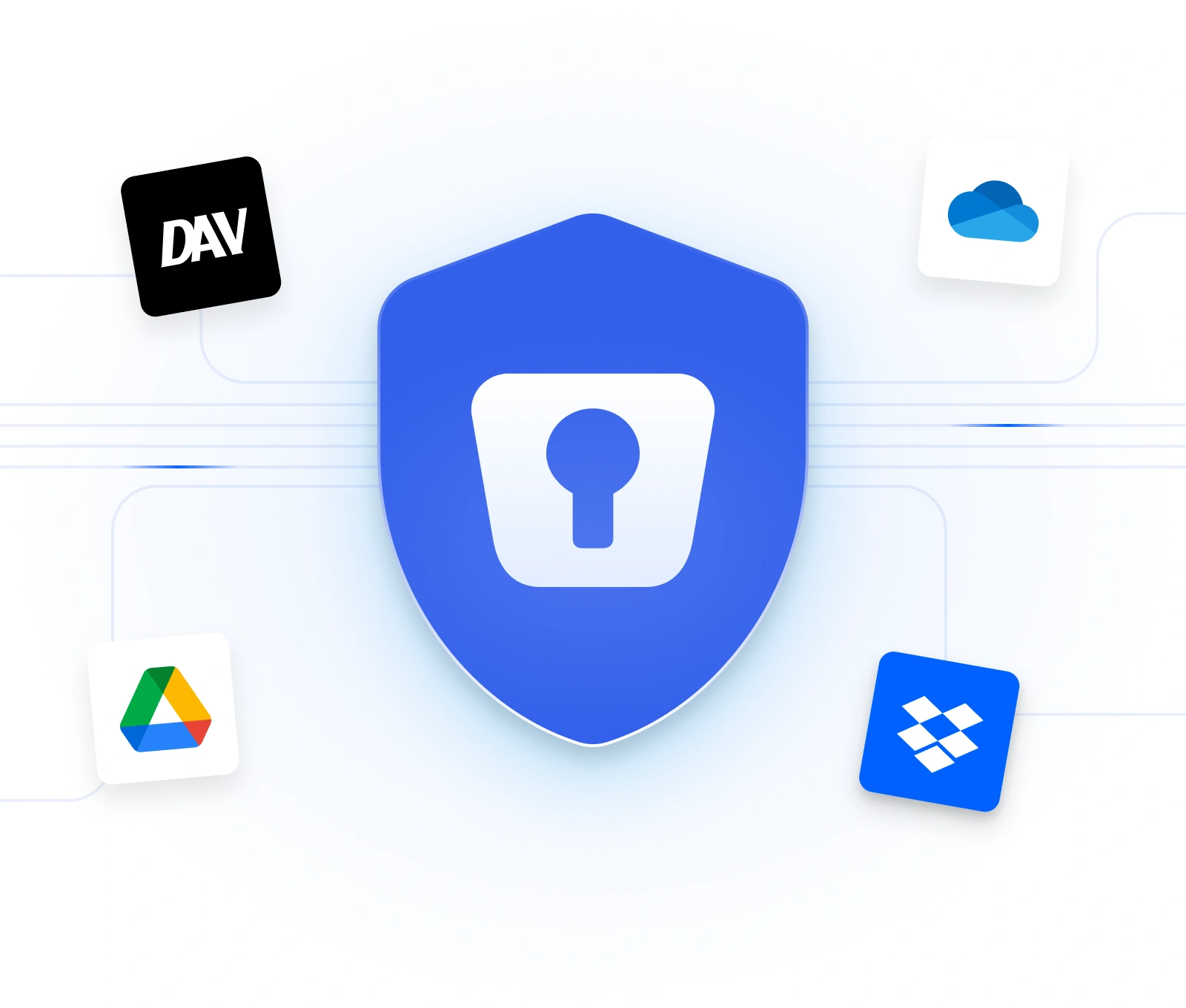
Most password managers keep everyone's vaults their servers. That's convenient for them, but it also makes them a single, valuable target for hackers: breach the vendor once, and every customer's passwords are exposed at the same time. Enpass doesn't create that target. Your vault lives inside your own personal cloud account, so there's nothing centralized for an attacker to go after.
You choose where your vault lives: like iCloud, Google Drive, OneDrive, Dropbox, or Box.
We never receive, store, or see your passwords, not even in encrypted form. This is a key difference from other solutions.
There's no central Enpass vault holding everyone's data, so there's nothing valuable enough for a hacker to target.
All the password manager features that make your life easier
- Unlimited passwords, passkeys, files, payment cards, and vaults with a Premium account (up to 25 with a Free account)
- Autofills and generates passwords on every device, browser, and operating system
- Login via Face ID, Touch ID, or Windows Hello for fast, secure access
- Security dashboard with recommendations for improving credential security
- Passkey capabilities are ahead of the game
- Identifies accounts with MFA support
- Import your existing logins from a browser, spreadsheet, or another password manager in a few clicks
- Dark web and breach monitoring that alerts you the moment a company credential turns up in a known breach
- Integrated authenticator with one-time codes so you don’t need separate apps

How Enpass Works
Download Enpass
Apps and extensions are available for all platforms – mobile, desktop, Windows, iOS, Android, Linux, and all browsers.
Create your vault
It’s protected by encryption and a master password only you know.
Choose where your vault lives
This is your own trusted account – iCloud, Google Drive, OneDrive, Dropbox, Box, or Nextcloud.
Start saving and autofilling
It’s easy to import passwords from other apps and spreadsheets. Your passwords are ready wherever you are, on every device you use.
Known for convenience and reliability
"This password manager is dope. I've used all of em at some point or another (LastPass, 1Password, and Bitwarden extensively), and Enpass stands toe to toe with all of them."

iOS App Store
"This has been the best cross-platform password manager. I've been using it for 7+ years and it works flawlessly no matter if it's my phone, work laptop, or home desktop. Highly recommend."

Google Play Store
"This password manager is different from the rest in terms of cross-platform usability and reliable vault access.”

Microsoft Store
The affordable way to secure your digital life
Get started with password management for up to 25 items.
Store up to 25 items in 1 vault
MOST POPULAR
Store all your passwords, passkeys, cards and more. Ideal for importing 25+ credentials.
Billed annually at with your discount, billed yearly
Billed annually at
Get 1 year free, when you pay for 2 years
Billed annually at
Pay once and get massive savings
Everything in the Premium plan for up to 6 people, with family management.
Billed annually at with your discount, billed yearly
Billed annually at

ISO 27001:2022

SOC 2 Type II Audited

GDPR Compliant
Frequently asked questions
Yes. Enpass is available on Windows, macOS, Linux, iOS, and Android, plus every major browser, so your vault is available wherever you're signed in.
Yes. Your vault is encrypted, so even though the encrypted file sits inside your Google Drive or iCloud account, only you, with your master password, can unlock it. Enpass never has access to that account or your data. This is safer than other password managers that store all user vaults on their servers because that creates a central target for hackers. Because your encrypted Enpass vault is stored in your own cloud account, it’s protected by that platform’s robust security, too – and you’re immune from the mass breaches you read about in the headlines.
Your master password is the only key to your vault, and Enpass never has a copy of it. That's why it's important to keep it somewhere safe: if you lose it, your encrypted data can't be recovered, precisely because Enpass never had access to it in the first place.
Yes. A Free account lets you use Enpass with up to 25 credentials in one vault. You can create a Free account and create/import passwords without having to provide credit card details. To manage more than 25 passwords, you need a Premium account, which gives you unlimited credentials and vaults. You can upgrade easily from a Free account, with big discounts available for three-year and lifetime licences.
Tips for improving password security
-
 What Should a CIO Look for in an Enterprise Password Manager?03 Nov 2026 Announcement
-
 Does Enpass Have an Admin Console, SSO, and other Enterprise Features?30 Sep 2026 Enpass Admin Console
-
 How Does Enpass Deliver Complete Data Sovereignty?30 Sep 2026 Compliance
-
 Enpass’s New Look comes to Linux16 Sep 2026 Announcement
-
 Why Enpass Users Are Safe from Harvest Now, Phish Later Attacks13 Aug 2026 Compliance
-
 What Is WebAuthn Level 3 & How Does Enpass Support It?23 Jul 2026 Security
Your Digital Life. Secured Your Way.
You don’t need to trade privacy for convenience.
With Enpass, you get both.

Rated 4.3 star on App Store and 4.1 star on Play App